
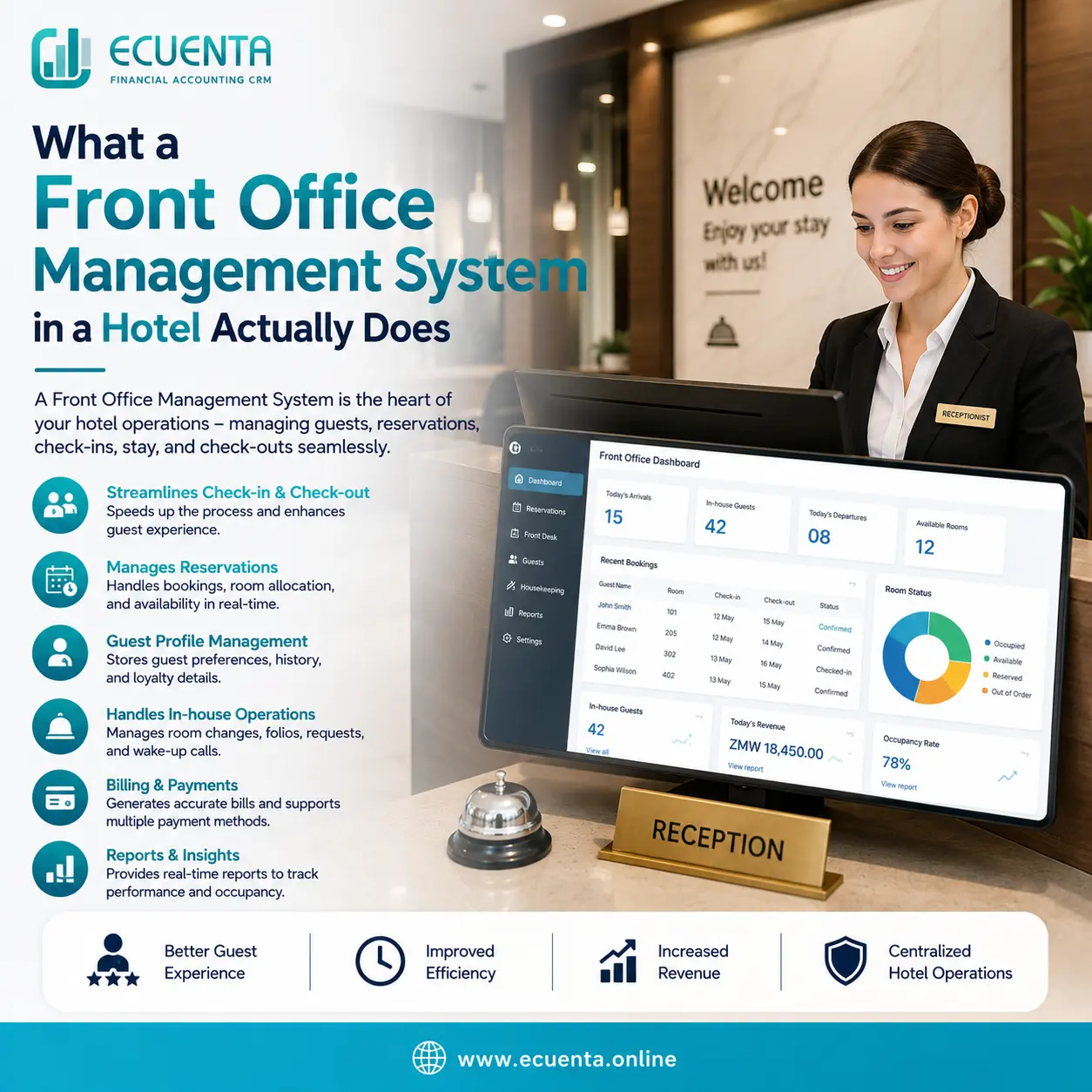
What a Front Office Management System in a Hotel Actually Does
Ask ten hotel managers in Zambia what a "front office management system" is, and you'll likely get ten different answers. Some think it's just software for taking bookings. Others assume it's a fancy name for a cash register. A few have never heard the term at all — they just call it "the front desk system" and move on.
Here's the plain-language version: a front office management system is the software that runs everything a guest touches from the moment they book to the moment they check out — and everything your staff need to do behind the scenes to make that experience seamless. It's not one feature. It's a set of connected functions working together so your front desk team isn't rebuilding the wheel every shift.
Let's break down what it actually does,
1. Reservation Management
At its core, a front office system tracks who's staying, when, in which room, and at what rate. That sounds simple until you're juggling walk-ins, phone bookings, online reservations, and tour operator allocations all landing on the same day.
A proper system pulls all of these into one live view, so your team isn't cross-checking a paper diary against three different booking channels to confirm a room is actually free. This is the function most people associate with "hotel software" — but it's really just the entry point.
2. Check-In and Check-Out Processing
This is where guests actually experience your front office system, even if they never see it. A good system lets staff pull up a reservation instantly, confirm ID and payment details, assign or change rooms on the fly, and generate a compliant invoice — without the guest standing at the counter for ten minutes while someone flips through a folder.
At check-out, the system needs to pull together every charge tied to that guest: the room rate, any restaurant or bar tabs, laundry, extras — into one final bill. If your front office isn't talking to your point of sale software, this step becomes a manual reconciliation exercise, and manual reconciliation is where charges quietly go missing.
3. Room Status and Housekeeping Coordination
A room isn't just "booked" or "available." It's dirty, clean, inspected, under maintenance, or occupied — and that status changes multiple times a day. Front office systems track this in real time, so when housekeeping finishes a room, the front desk sees it immediately and can assign it to the next guest without a phone call or a walk down the corridor to check.
For any property running above 50% occupancy — which is now the Zambian national average — this single function alone can save hours of coordination time per day.
4. Guest Profiles and History
Repeat guests are the backbone of a healthy hotel business, and a front office system builds a profile for each one automatically: past stays, preferences, special requests, outstanding balances, even complaints raised on a previous visit. Next time that guest books, your team already knows they prefer a quiet room away from the pool, or that they settled their last bill late.
This is a small thing that makes a large difference to guest experience — and it's simply not possible to do consistently with a paper guest book.
5. Billing, Folio Management, and Invoicing
Every charge a guest accumulates — room, meals, drinks, spa, transport — needs to sit on one running account, called a folio, until checkout. A front office system consolidates this automatically, rather than requiring your team to manually add up separate slips from different departments.
In Zambia, this function carries extra weight: every invoice generated needs to meet ZRA Smart Invoice requirements. A front office system with tax compliance built in generates that invoice correctly the first time, rather than leaving your front desk staff to figure out compliance on a busy checkout morning.
6. Reporting and Night Audit
At the end of each day, someone needs to reconcile occupancy, revenue, outstanding payments, and any discrepancies — a process called the night audit. Doing this by hand is slow and prone to error, especially across multiple revenue points. A front office system automates most of this, producing a clean daily report that shows exactly what happened: rooms sold, average rate, revenue by department, and anything that needs following up.
For owners and managers who aren't on-site every day, this reporting function is often the single most valuable part of the system — it's how you know what's actually happening at your property without being there.
7. Staff Communication and Shift Handover
Shift changes are where information gets lost. A guest mentions a request to the day team; the night team never hears about it. A front office system creates a shared record — notes, flagged issues, pending tasks — so nothing depends on one staff member remembering to mention it verbally before clocking out.
Why This Matters More in Zambia Right Now
Zambia's hospitality sector is growing quickly, with national occupancy climbing well past pre-2023 levels and international arrivals rising every year. That growth is landing heavily on small and mid-sized properties — lodges and guesthouses that often run lean teams covering multiple roles. A front office management system isn't a luxury for these properties; it's what keeps a small team from drowning in manual admin while trying to deliver a good guest experience during peak season.
Ecuenta's hotel booking management system in Zambia was built around this exact checklist — local ZRA integration, multi-department billing that pulls room, restaurant, and bar charges into one folio, and a front office dashboard designed for the realities of running a lodge in Zambia rather than a template built for a different market.
Final Thought
A front office management system isn't one tool — it's the connective tissue between reservations, guest service, billing, and reporting. Understand what each piece actually does, and it becomes obvious why "just use a spreadsheet" stops working the moment a hotel starts to grow.